Table of Contents
LinkedIn Prospecting Tools: Choose the Right One
Does Prospecting on LinkedIn Work?
How Do I Use LinkedIn as a Prospecting Tool?
How Do I Find a LinkedIn Prospect?
Different Types of LinkedIn Prospecting Tools
How Do You Automate Leads on LinkedIn?
Specific LinkedIn Prospecting Tools Worth Knowing
What LinkedIn Prospecting Tools Typically Cost
Tools vs. a Managed LinkedIn Prospecting Service
Conclusion
Frequently Asked Questions
Modified On :
September 15, 2026
Key Takeaways
- LinkedIn prospecting tools generally split into four categories: lead discovery, data enrichment, automation, and multichannel platforms.
- Before picking a tool, check its targeting depth, whether the contact data is actually verified, its LinkedIn-safe sending limits, and whether you can export and keep the data you build.
- Sales Navigator, Apollo, Kaspr, Lusha, Dux-Soup, Dripify, Expandi, and Waalaxy each solve a different piece of the puzzle. No single tool does it all.
- Pricing ranges from free entry tiers to $150+ per seat per month, and it should scale with your outreach volume, not sit fixed no matter how many prospects you're reaching.
- Even the best tool stack still needs a human strategy behind it, which is where agencies like Cleverly come in.
LinkedIn, the world’s largest professional network, is a rich source of qualified leads for B2B entrepreneurs and marketers. Perhaps no other social media platform is better suited for sales prospecting and lead generation than LinkedIn.
Of the over 830 million LinkedIn members, 61 million are senior-level influencers and 40 million are decision-makers. About 50% of B2B buyers reference LinkedIn when making buying decisions.
That dominance keeps growing. A 2026 analysis of social selling data found that 80% of B2B leads generated from social media now originate on LinkedIn, more than every other social platform combined . If your prospecting stack isn't built around LinkedIn first, you're optimizing for the wrong channel.
These are the people at the helm of the multilayered B2B buying process who make or influence purchasing decisions. Reaching such influential LinkedIn members gives you a better chance of converting some of them into buying from you and becoming repeat clients.
However, getting LinkedIn leads isn’t as straightforward as sending a cold outbound message to your LinkedIn prospect list and waiting for calls to buzz in.
You must first choose the right LinkedIn prospecting tools and design a reliable strategy to help you identify, connect, and build productive relationships with LinkedIn members.
Let’s dig in and find out how LinkedIn prospecting works, and how to choose and use the right LinkedIn prospecting tools for your company.
Does Prospecting on LinkedIn Work?
Yes, LinkedIn prospecting works if you follow the right process:
- Define your ideal customer profile and buyer persona.
- Identify LinkedIn members who fit your customer profile.
- Develop your LinkedIn outreach campaign and set goals.
- Reach out to your targeted prospects using customized message templates.
Doing these things can garner you many qualified leads, increasing your possibilities of landing loyal and long-term clients.
On the other hand, sending cold InMails to random prospects will likely generate you few – or, perhaps – zero leads.
Ultimately, the volume of sales you generate qualifies the success of your prospecting campaigns on LinkedIn.
This shows why 79% of B2B marketers regard LinkedIn as a dependable source of earning B2B leads.

🎯 10X Your Lead Flow
Cleverly helps 10,000+ businesses generate qualified B2B leads with done-for-you LinkedIn prospecting and outreach.
How Do I Use LinkedIn as a Prospecting Tool?
Prospecting tools expedite the lead generation process by collecting and analyzing your target audience demographics and leveraging that information to engage your audience more closely.
That way, you get to close more deals faster. By this definition, a free and basic LinkedIn membership may not qualify as a powerful prospecting tool, but LinkedIn Sales Navigator can.
While you can do lead generation using regular LinkedIn, you might only scratch the surface if you have ambitious sales targets.
With Sales Navigator, you enjoy advanced features that bridge your prospecting game to the next level. These features include the following:
- Advanced lead and company search
- Lead recommendations
- CRM integration
- Real-time sales update
- Notes and tags
- Who’s viewed your profile
- TeamLink
- Smart links presentations
- InMail messages
LinkedIn Sales Navigator features help you target, understand, and engage your leads.
When you expedite these three crucial processes of sales prospecting, then you’ll be more successful with your outreach efforts.
If you’re consistent, you can achieve remarkable results with LinkedIn Sales Navigator in the short and long term.
How Do I Find a LinkedIn Prospect?
This is the crux of prospecting. It doesn’t come easily, especially when targeting upper deck B2B influencers and decision-makers.
At the basic level, finding your next prospect is as easy as doing a filtered search on LinkedIn. However, if you only source irrelevant leads, you can waste your and others’ time.
To get highly qualified prospects on LinkedIn, you need more than a basic filtered search. You have to be strategic from the get-go.
Here’s the step-by-step process to implementing a winning lead generation strategy.
Step 1: Fine-Tune Your LinkedIn Profile
As first impressions go, LinkedIn profiles shout the loudest. Your profile is the first thing prospects will survey as soon as they interact with your outreach message.
Your LinkedIn profile should have:
- A relevant and enticing tagline, summary, and work experience section
- A professional and high-quality profile photo
- A customized background image
Step 2: Engage the Relevant Audience
Before you send InMails, connection requests, or share niche content, take time to identify your buyer persona.
This way, you’ll direct all your prospecting efforts to your target audience and get optimum results.
However, refrain from pitching your product at the first interaction or immediately after, as most LinkedIn users detest hard sells.
Step 3: Join Industry-Related LinkedIn Groups and Be Productive
Most B2B decision-makers don’t post regularly on LinkedIn. Instead, they’re more likely to comment, post, and react on selected LinkedIn groups where their peers are.
Gaining membership in such private groups will give you an audience with the shot-callers in your industry.
Once accepted to a LinkedIn group, you’ll want to stay active and engage with the group community. By contributing regularly, you’ll position yourself among the thought-leaders in your industry.
You’ll be familiar to the members of your target LinkedIn group. Thus, when you send them InMails or connection requests you’re likely to have a higher reply and acceptance rate.
🚀 Turn Prospects Into Pipeline
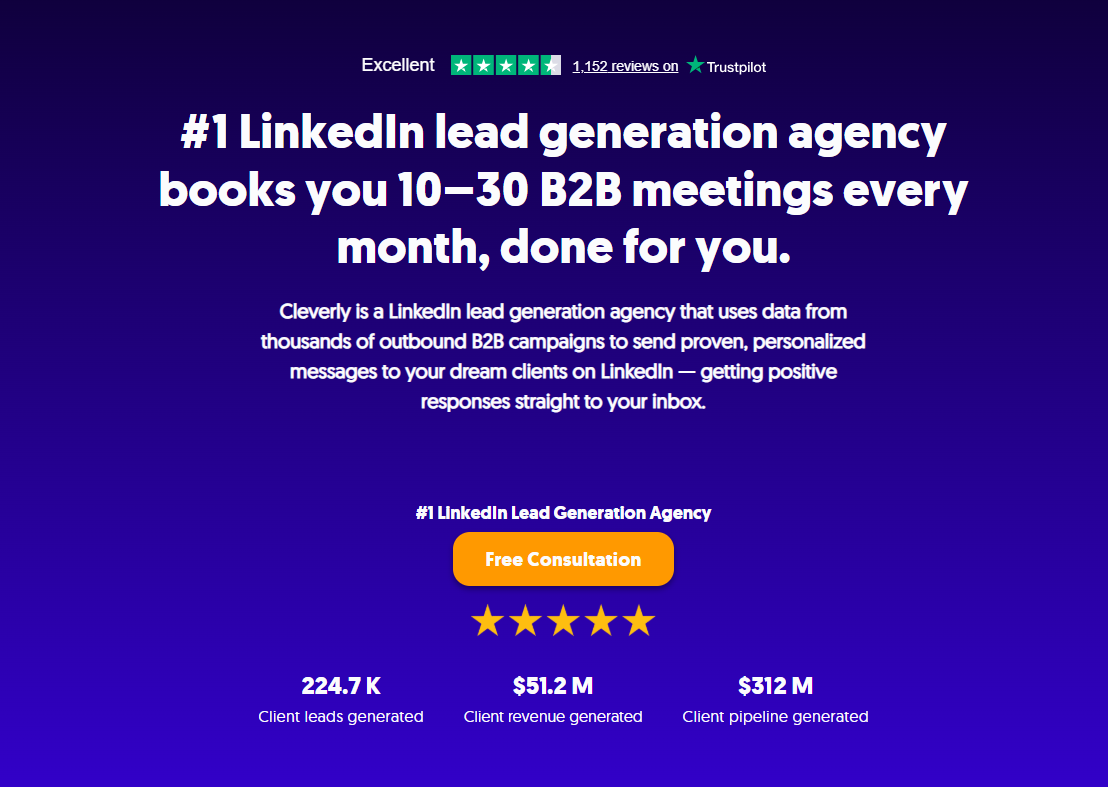
With 224.7K+ leads generated and $312M+ pipeline, Cleverly turns targeted LinkedIn prospects into qualified conversations and meetings.
What are the Different Types of LinkedIn Prospecting Tools?
There are possibly tens of hundreds of LinkedIn prospecting tools today, but most linkedin prospecting software falls into four functional categories. Knowing which one you actually need keeps you from paying for features you'll never touch.
Lead discovery tools. These help you find prospects who match your ideal customer profile in the first place. LinkedIn Sales Navigator is the default here since it searches LinkedIn's own graph of profiles directly rather than a scraped copy of it.
Data enrichment tools. Once you've found a name, enrichment tools like Kaspr or Lusha add a verified email and phone number to that record so you can reach the person outside LinkedIn's inbox too.
Automation tools. These handle the manual work of sending connection requests, follow-up messages, and profile visits on a schedule. Dux-Soup, Dripify, Expandi, and Waalaxy live in this category.
Multichannel platforms. Tools like Apollo combine data and automation in one place, so a prospect found on LinkedIn can be enrolled straight into an email sequence without exporting a spreadsheet in between.
Most of these tools also fall into one of two delivery models: browser extensions you run locally, or cloud-based platforms that send activity from a server even when your laptop is closed.
For browser extension tools, you have to download them from your web browser's store and integrate them with LinkedIn. Dux-Soup is an example.
Typically, such automation tools gain control over your LinkedIn account once you run them and may put your account at risk of being shut down.
Conversely, cloud-based tools are hosted in the cloud, and you don't need to download them from your web browser. They offer you more customization features and are relatively safer than browser-based tools.
What to Look for Before Choosing a Tool
Before you hand over a credit card, run every LinkedIn prospecting tool through the same four checks. This is what separates the best linkedin prospecting tools from the ones that just hand you a list you can't actually use.
1. Targeting depth. Can you filter by title, seniority, geography, and company size at the same time, or just one or two of those? A tool that only searches by job title will hand you a mix of decision-makers and interns who happen to share it.
2. Verified contact data vs. guessed data. Some tools generate an email pattern (first.last@company.com) and call it a match. Others verify the address before handing it to you. Ask the vendor directly how they define "verified" and what happens when a contact bounces.
3. LinkedIn-safe automation limits. Any tool that promises unlimited connection requests or messages is setting your account up for a restriction. Look for built-in daily caps, warm-up periods for new accounts, and pacing controls rather than a tool that lets you fire off hundreds of invites on day one.
4. CRM sync and data export ownership. Confirm you can export what you find, not just view it inside the tool's dashboard. Native integrations with Salesforce or HubSpot save your team manual copy-paste work, but even without one, you should own the list you build and be able to take it with you if you switch platforms.
Run a short trial against your actual ICP before signing an annual contract. A tool that looks great in a demo with a broad, generic search can fall apart once you apply your real filters.
How Do You Automate Leads on LinkedIn?
Automation comes in handy when running lengthy or widespread prospecting campaigns.
Automating activities such as sending connection requests, prospect filtering, and drafting follow-up messages can save you tons of time.
Outreach automation helps you promptly reach specific segments of prospects with tailored messaging addressing their pain points.
Like LinkedIn prospecting tools, there are also multiple LinkedIn automation tools today. But exercise caution — some of these tools may put your account at risk or their actions be prohibited by LinkedIn.
When in doubt, seek the expertise of top LinkedIn lead generation agencies (e.g. Cleverly) as they’ll be able to offer sound recommendations and best practices on LinkedIn prospecting, its tools, and how to generate recurring leads.
Specific LinkedIn Prospecting Tools Worth Knowing
Here's a quick rundown of the tools that come up most often in LinkedIn prospecting tool conversations, and who each one actually fits.
1. LinkedIn Sales Navigator. The native option, and still the deepest for lead intelligence since it searches LinkedIn's own graph directly. Best for teams doing relationship-led selling who want alerts on job changes and buying signals inside accounts they already have a path into.
2. Apollo. Combines a large contact database with multichannel sequencing, so a LinkedIn-sourced lead can move into an email cadence without switching tools. Best for lean teams who want data and outreach in one subscription.
3. Kaspr or Lusha. Both specialize in contact enrichment: turning a LinkedIn profile into a verified email and direct phone number through a Chrome extension. Best for reps who already have a solid list-building process and just need better contact data on it.
4. Dux-Soup, Dripify, Expandi, or Waalaxy. These are LinkedIn-specific automation tools built to send connection requests, follow-ups, and profile visits on a schedule. Best for teams running higher-volume outbound who need the manual sending work off a rep's plate, provided the tool respects LinkedIn's safe sending limits.
None of these replace a targeting strategy. They speed up execution of one, which is why the criteria above matter more than which logo you pick.
For a deeper side-by-side, see our breakdowns of Cleverly vs. Expandi and the 20+ best LinkedIn automation tools.
What LinkedIn Prospecting Tools Typically Cost
Pricing for linkedin prospecting service tools spans a wide range, and the right tier depends on how much outreach volume you're actually running, not just team size.
Free or entry-tier tools work fine for testing a first campaign. Dux-Soup starts around $15 a month, and Lusha and Waalaxy both offer limited free plans built for solo users validating an approach before they scale it.
Mid-range pricing covers most combined enrichment-and-outreach platforms, typically landing between $50 and $120 per seat per month. Apollo, Dripify, Expandi, and Sales Navigator's Core plan all sit in this range.
Enterprise pricing applies to platforms built for broader data coverage, team management, and dedicated support, like Sales Navigator's Advanced Plus tier or ZoomInfo, which is usually quote-based rather than listed.
Cost should scale with your outreach volume, not sit fixed no matter how many prospects you're reaching. A five-person team sending hundreds of connection requests a week needs different tooling, and a different budget, than a solo founder testing outbound for the first time. Buying enterprise data coverage before you've validated your messaging just means paying more to learn what a cheaper tool would have told you for less.
Tools vs. a Managed LinkedIn Prospecting Service
Even with the right tool stack, someone still has to build the targeting, write the messaging, manage the safe sending limits, and follow up on replies every day. For a lot of teams, that's the part that actually eats the time.
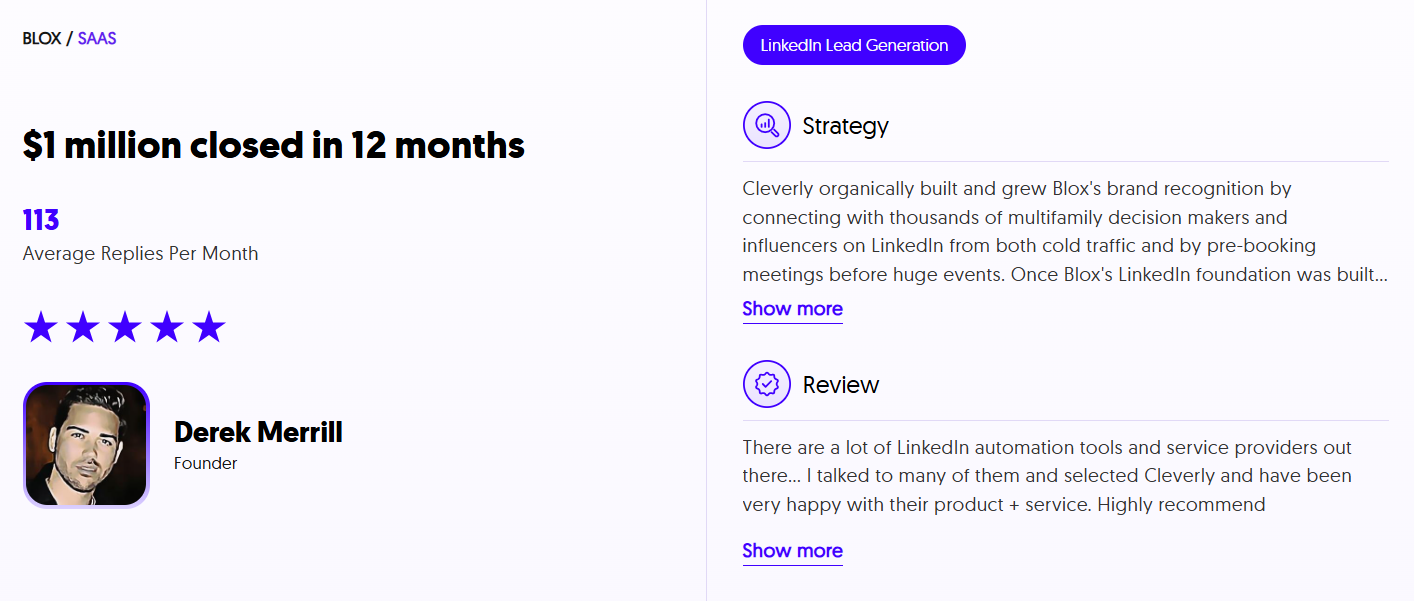
This is where a done-for-you LinkedIn lead generation service earns its keep. Instead of piecing together a discovery tool, an enrichment tool, and an automation tool yourself, Cleverly manages the entire prospecting stack: targeting, verified data, LinkedIn-safe outreach, and message testing, so your team only sees the qualified conversations that come out the other end.
If you'd rather keep full control of the tools but want expert eyes on your setup, that's worth a conversation too.
Curious what a managed LinkedIn campaign looks like next to your current tool stack? Book a free consultation and we'll show you.
Conclusion
The right LinkedIn prospecting stack isn't the one with the most features. It's the one that matches your targeting depth, keeps your contact data verified, respects LinkedIn's safe sending limits, and hands you data you actually own.
Start with a clear ICP, test a tool against it before signing a contract, and add automation only once your messaging is already converting manually. Whether you build that stack yourself or hand it to a team that does this daily, the goal is the same: more qualified conversations with the right people, without putting your LinkedIn account at risk.
Frequently Asked Questions
Free Resource
How to Scale a Profitable Cold Call System
Get the complete guide — download it instantly now.

Free Ebook
Download the Free Guide
Enter your details to get instant access.
You're all set! 🎉
Your ebook is downloading now.
Click below if the download didn't start automatically.